아나콘다 사이트에 접속하기
아나콘다(www.anaconda.com ) 접속
Anaconda | The World's Most Popular Data Science Platform
Anaconda is the birthplace of Python data science. We are a movement of data scientists, data-driven enterprises, and open source communities.
www.anaconda.com
- 아나콘다 사이트

- Products -> Indivisual Edition 클릭

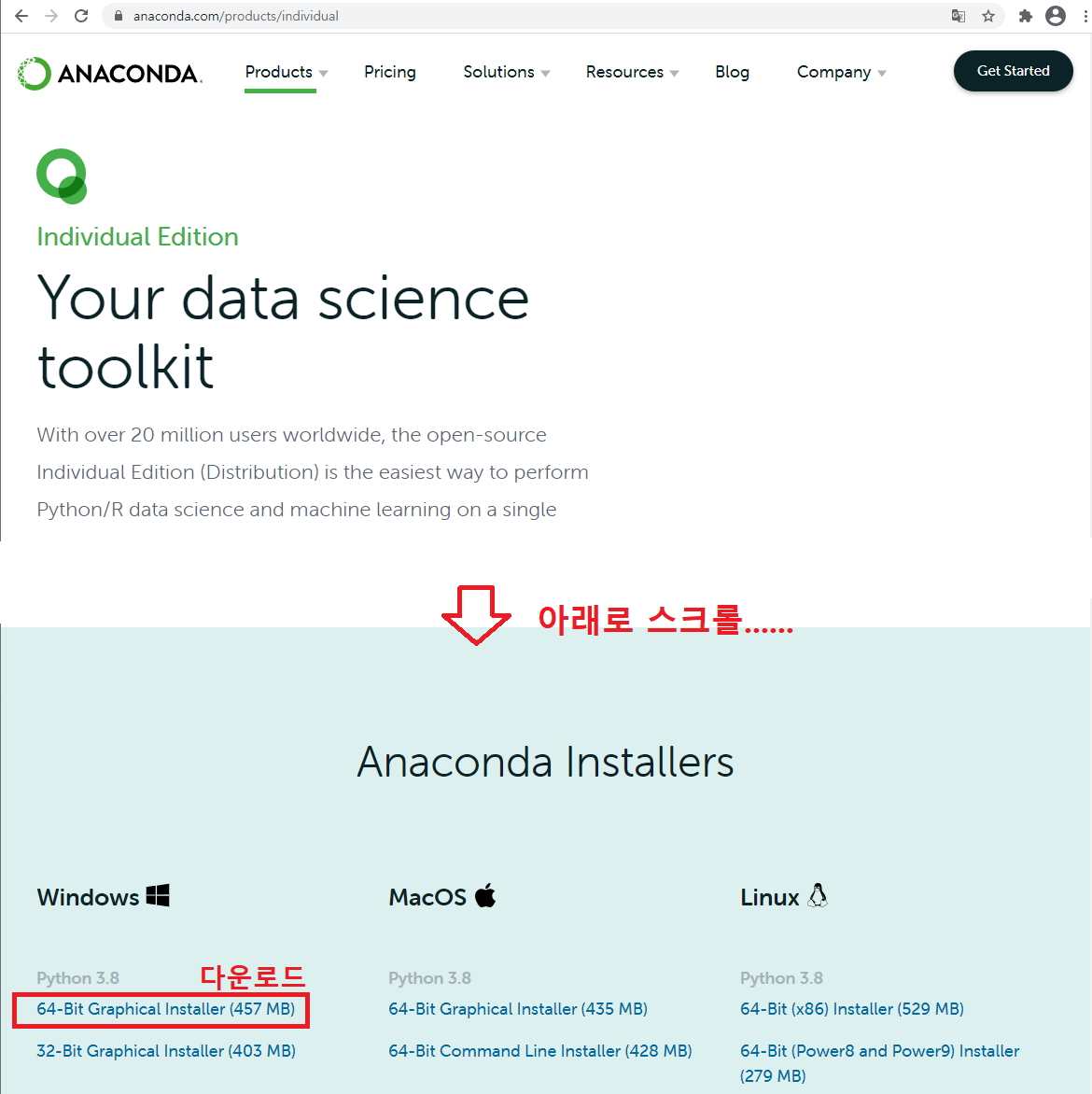
- 다운로드 된 파일

아나콘다 설치
- 설치
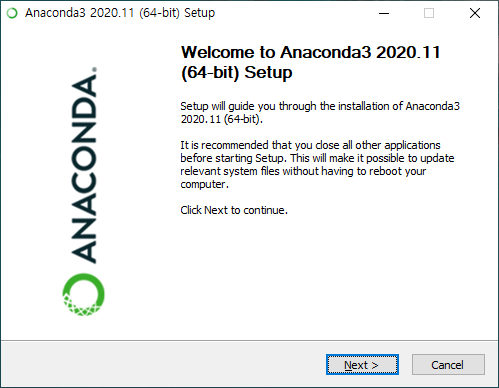
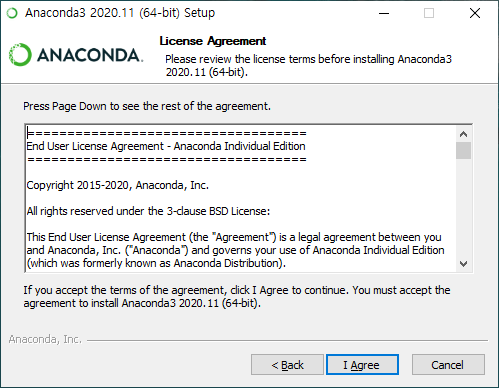

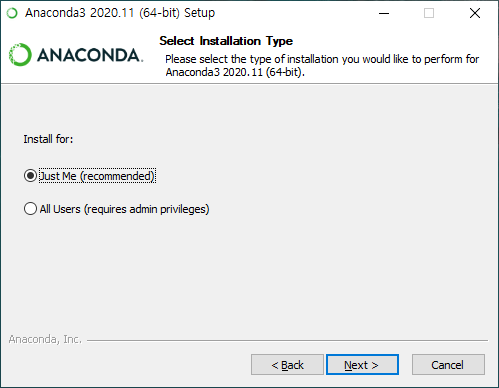
- Add Anaconda3 to my PATH environment variable 체크
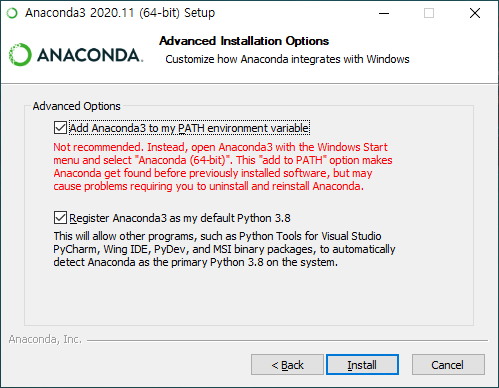
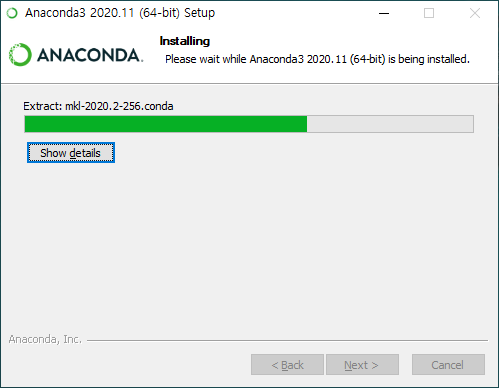
show details 를 클릭하면 설치 되는 내용이 나타남 설치되는데 좀 걸림... 기다림
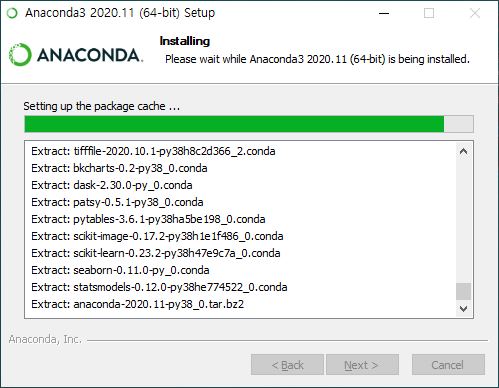
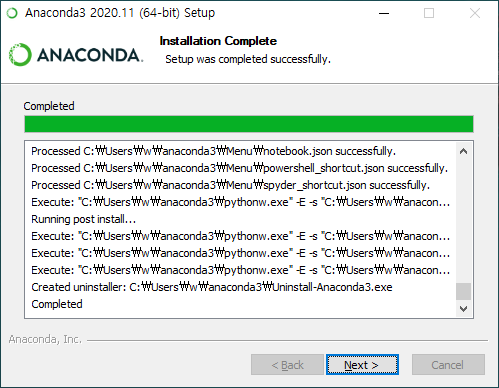

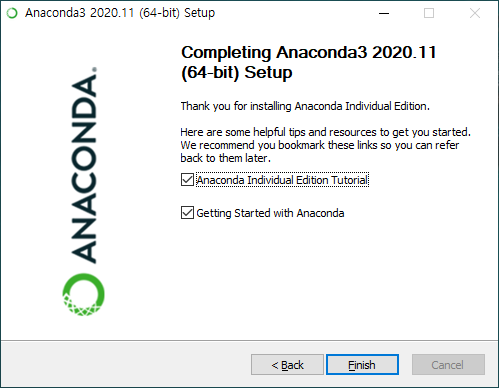
- 설치가 완료되면 등록하라고 나옴 : 그냥 패스~

환경설정 확인
- 내컴퓨터 -> 속성
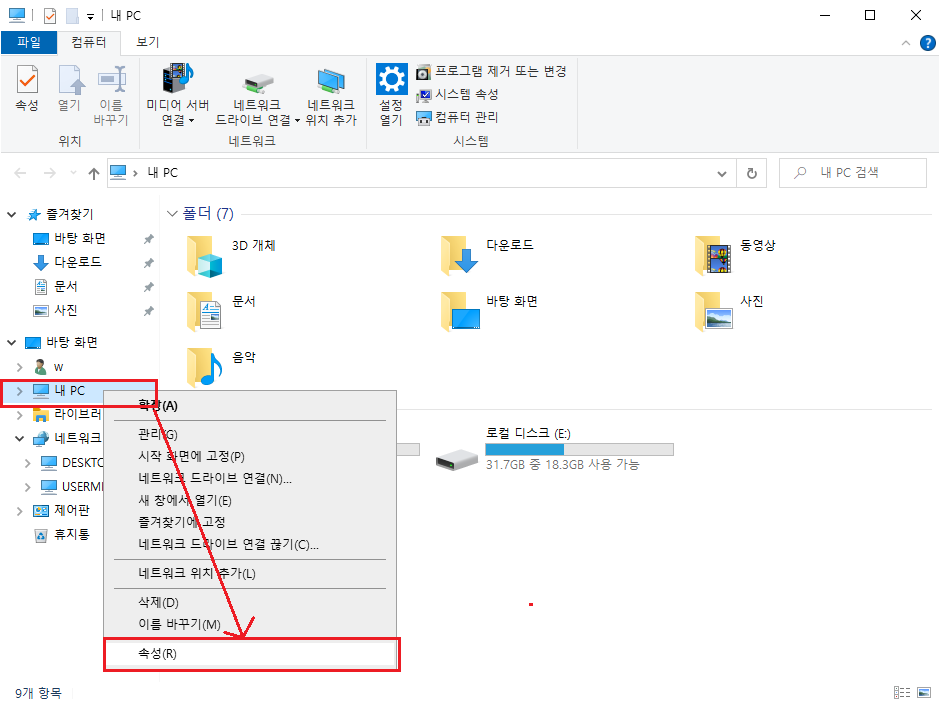
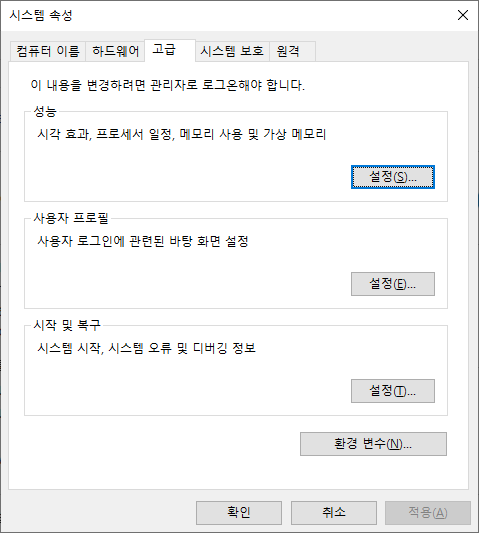
- 고급 시스템 설정 클릭

- 시스템 속성 -> 고급 -> 환경변수
-> Username(이 컴은 컴퓨터이름이 w임)에 대한 사용자변수 -> 편집
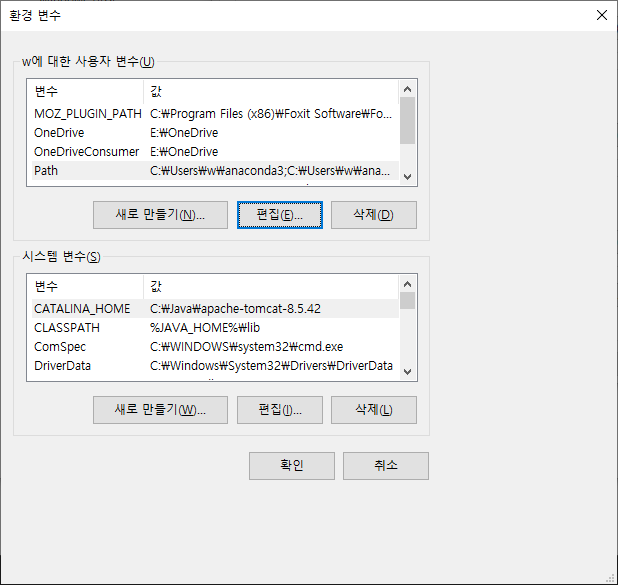
- 아나콘다가 설치된 경로 확인
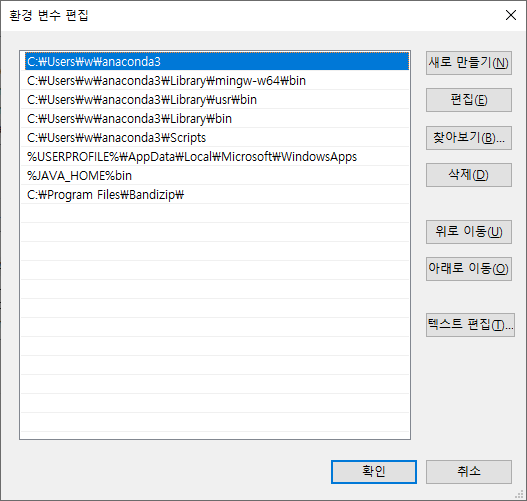
- 확인 되었으면 완료
'PROGRAM > VSCode' 카테고리의 다른 글
| VS Code - 한글화 (0) | 2021.03.26 |
|---|---|
| 04. VSCode 설치 - OpenCV 설치 (1) | 2021.03.26 |
| 03. VSCode 설치 - 출력 탭 한글 깨짐 수정 (11) | 2021.03.26 |
| 02. VSCode 설치 - Python (0) | 2021.03.26 |
| 00. VS Code 설치 - 완전 초기화 (0) | 2021.01.28 |


